Kernel-Level Changes and Real-World Benchmark Effects
Cold application launches have historically remained one of the most visible friction points across desktop computing environments. While warm launches take full advantage of operating system memory buffers and pre-allocated pages, cold starts force the platform to read entire binaries from storage, parse extensive component manifests, verify signatures, and initialize execution heaps from scratch. The newly integrated Windows 11 Low Latency Profile restructures this boot path by treating the launch event as a temporary critical operation.
Internal diagnostics reveal that disk queue congestion accounts for over forty percent of cold launch delays on solid-state drives. When multiple services query disk sectors simultaneously, the application payload gets queued behind routine system maintenance requests. Under the Low Latency Profile, the Windows storage filter driver temporarily suppresses non-essential I/O requests. As soon as the user triggers an executable, the storage stack provides unimpeded channel access to the targeted binary.
How the Low Latency Profile Executes
The execution pipeline follows a streamlined series of coordinated hardware and operating system interventions:
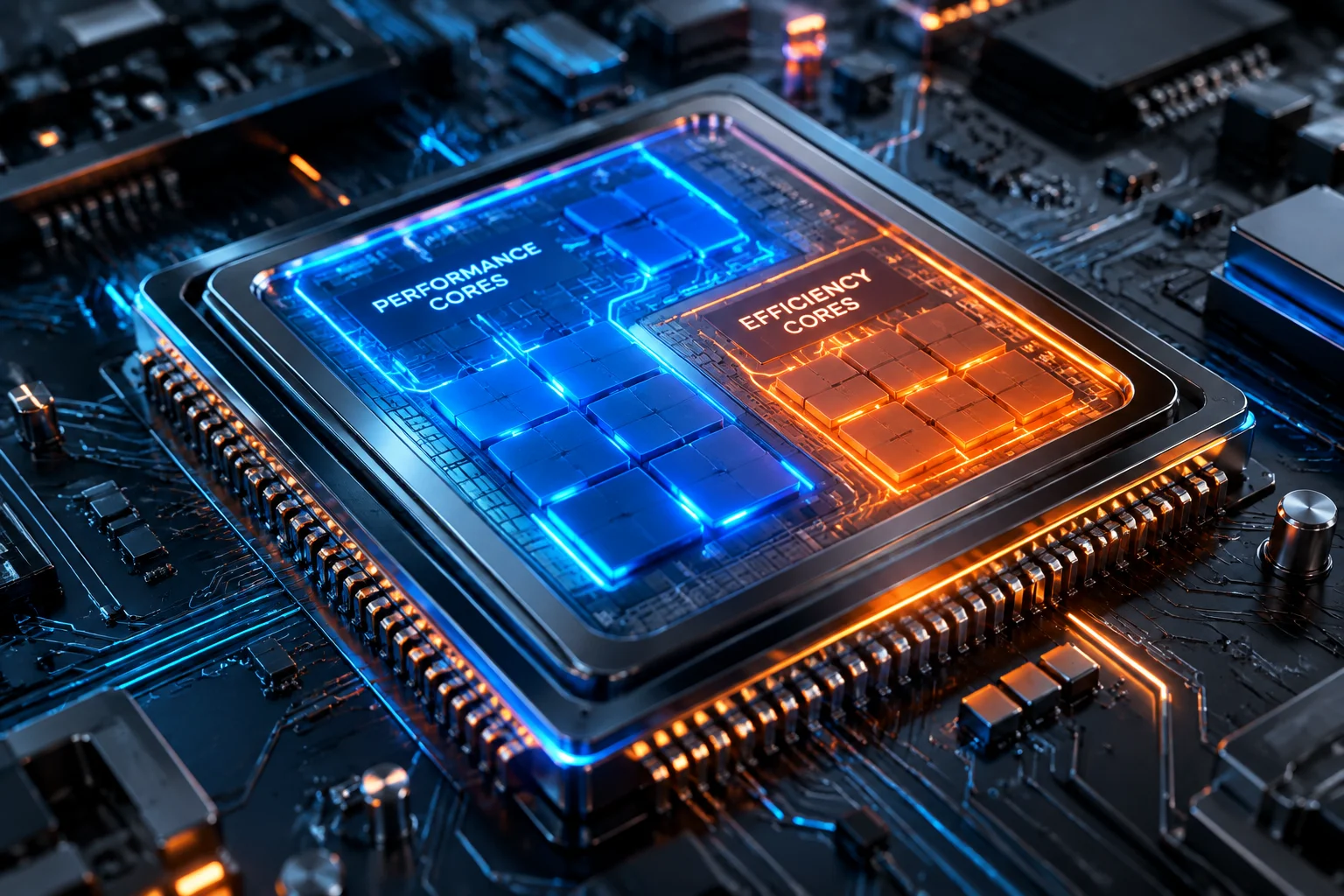
- Detection of unbuffered process creation signals the CPU energy driver to initiate a transient turbo frequency state.
- Kernel storage schedulers demote background disk threads to priority idle, allocating maximum channel queue depth to the launching executable.
- Memory managers release low-priority standby caches to ensure contiguous virtual address ranges for the application dependencies.
Initial evaluations demonstrate launch improvements ranging between twenty-five and thirty-eight percent across resource-intensive applications such as creative suites, 3D development software, and complex IDE installations. Even on moderate mobile laptop platforms, the latency drop delivers a tangible boost to desktop responsiveness without generating excessive thermal buildup.
Need Tailored Optimization for Your Workstation?
Get personalized recommendations on driver configuration, kernel tuning, and disk cache adjustments from our performance analysts.
Frequently Asked Questions
No measurable battery impact occurs because the frequency and I/O prioritization lasts only during the brief startup burst, immediately returning hardware to balanced low-power profiles.
No code modifications are required. The optimization functions directly at the Windows kernel and storage scheduler level, providing immediate benefits across Win32, .NET, and modern WinUI software.

Related Performance Boost Guides
Discussion & Feedback
Cold launches are noticeably faster now.
Leave a Response